A small business guide to Google My Business (yes, even if you're online)
If you're not using Google My Business (GMB) as part of your content and visibility strategy, you're missing a huge opportunity to increase your brand's visibility, authority, and trust with your audience. Whether you’re running a brick-and-mortar business or fully online, Google My Business helps you show up in search results, build credibility, and take up more space in the digital landscape.
Here’s everything you need to know (and yes, we’ve answered all the FAQs you didn’t even know you had).
What is Google My Business?
Google My Business (GMB) is a free tool from Google that allows businesses to create a profile that shows up in search results and on Google Maps.
Your GMB profile includes:
Business name and contact info
Website and service links
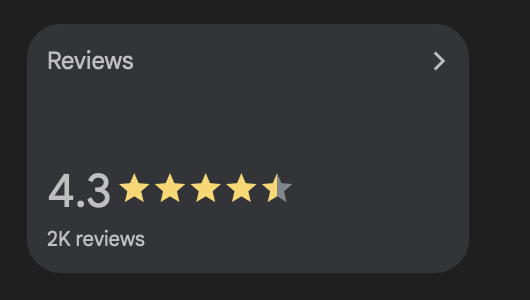
Reviews
Photos
Opening hours
Posts and updates
It’s essentially your business card for the internet, and it can help both local and online businesses get discovered faster.
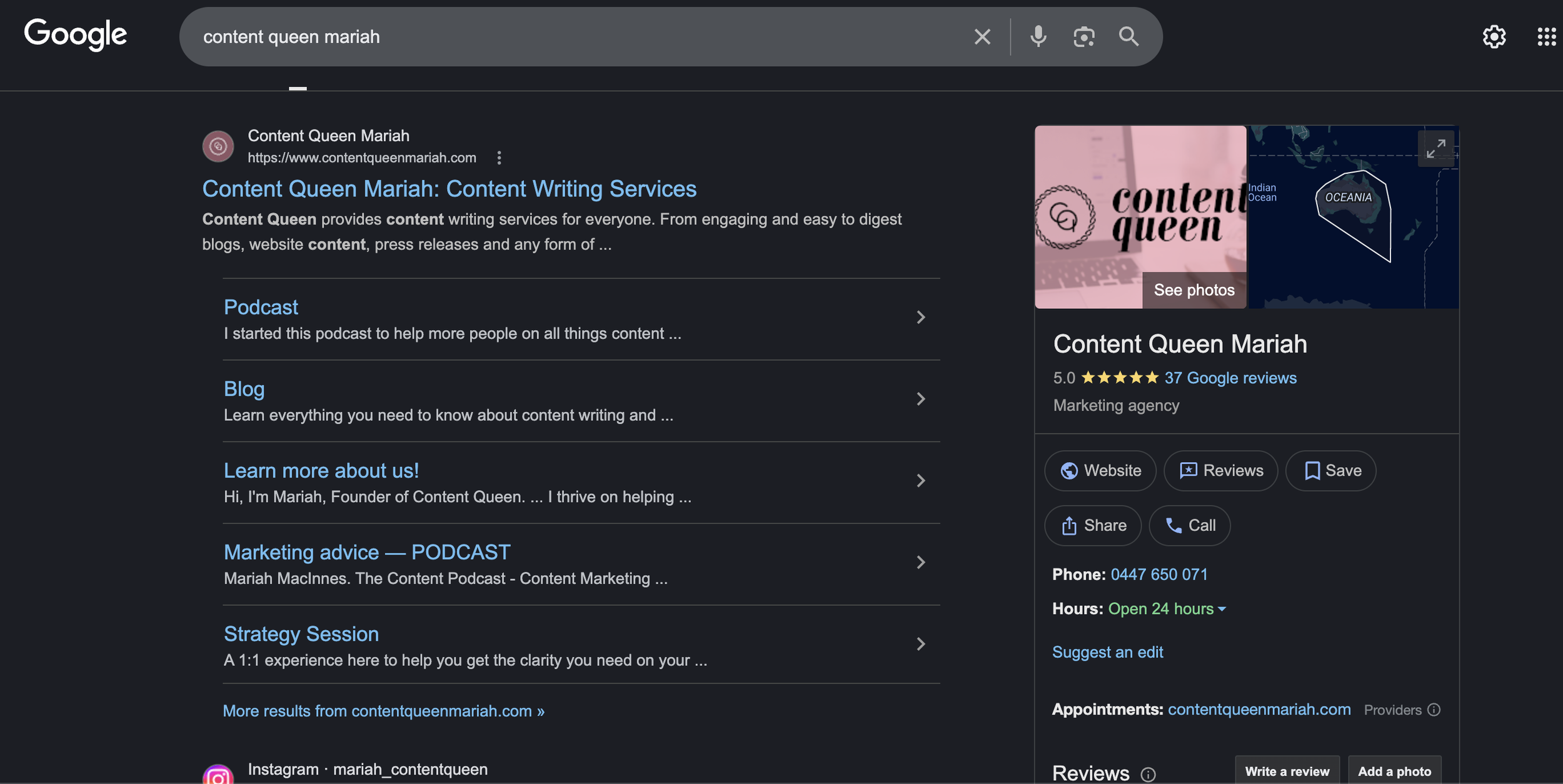
Is Google My Business just for physical stores?
Absolutely not.
Even if you’re an online-only business, a freelancer, or a personal brand, you can still (and should) use GMB. Having a Google profile helps with:
Local SEO and visibility
Showing up when people Google your name
Establishing trust with reviews
Feeding Google with more data about your services (which helps with AI-driven searches)
Pro tip: If you work from home, you can hide your address but still have a verified profile. Google has stricter verification now, but it's still possible for service-based and online businesses to get listed.
I will also be sharing something cool you can also do as a personal brand, keep reading.
How do you get started with Google My Business?
Sign in with your Google account (or make one if you fon’t have one)
Enter your business details
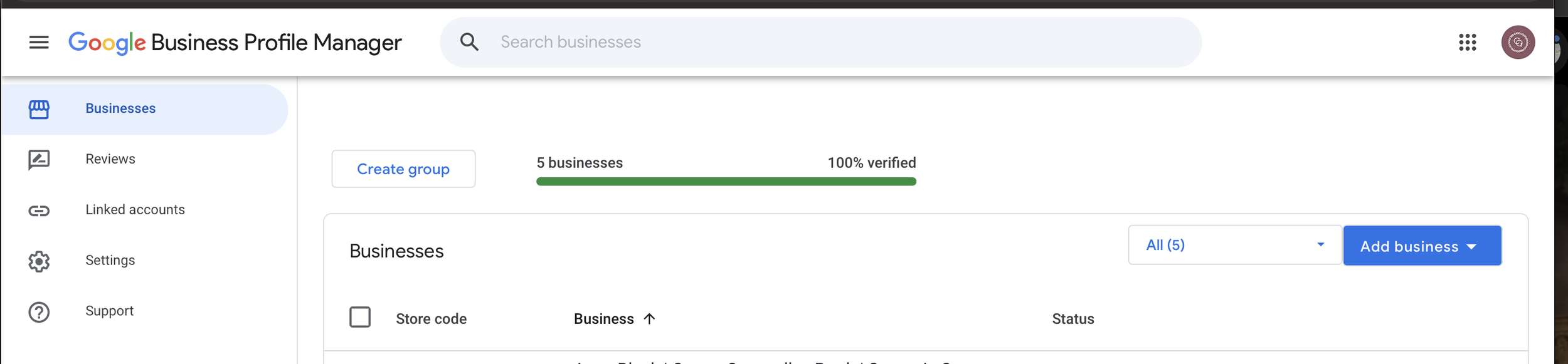
Verify your business (usually via mail, phone, or video)
Start adding content - photos, updates, and services
What should you post on Google My Business?
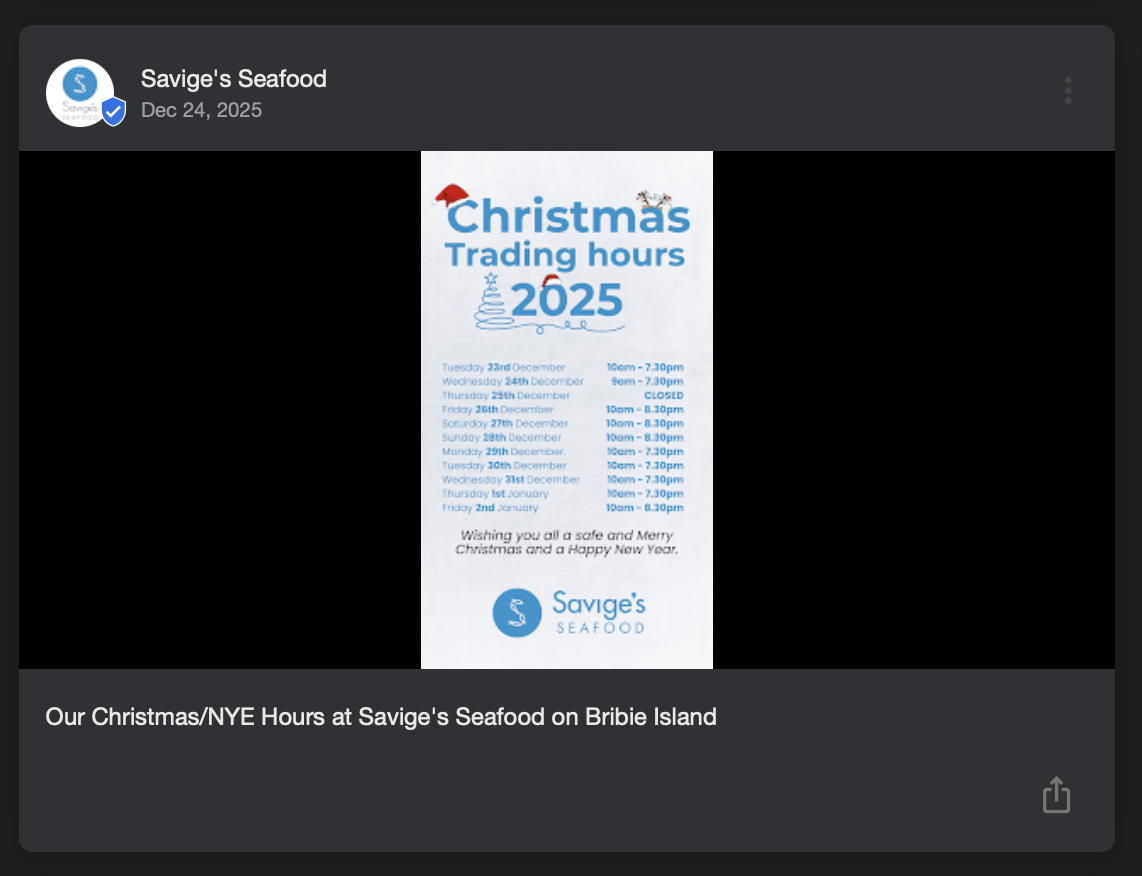
Keep it simple. Unlike Instagram or TikTok, your GMB posts don’t need to be fancy. They just need to be keyword-rich and consistent. You can share:
Service or product updates
Events or workshops
Promotions
Testimonials or reviews
Behind-the-scenes images
Make sure to use keywords in your photo captions. For example:
"Brand storytelling strategy session – virtual business coach, Melbourne."
How often should you update it?
Consistency is key. Aim for at least 1 update per week, or repurpose your weekly content (from your socials or emails) onto your Google profile. If you use a scheduler, some now support GMB posting.
Do reviews actually matter?
Yes. Reviews on Google are more than just a trust signal - they’re SEO gold and build credibility (your potential customers are looking at the review).
You can:
Ask clients directly for a review (generate your link from your Google profile)
Automate a follow-up email with the Google review link
Share the review link in your thank-you pages or email footers
Showcase reviews in your content (e.g. “review of the week” posts)
Just remember: In some countries (like Australia), incentivising reviews may be against advertising laws, so check your local guidelines.
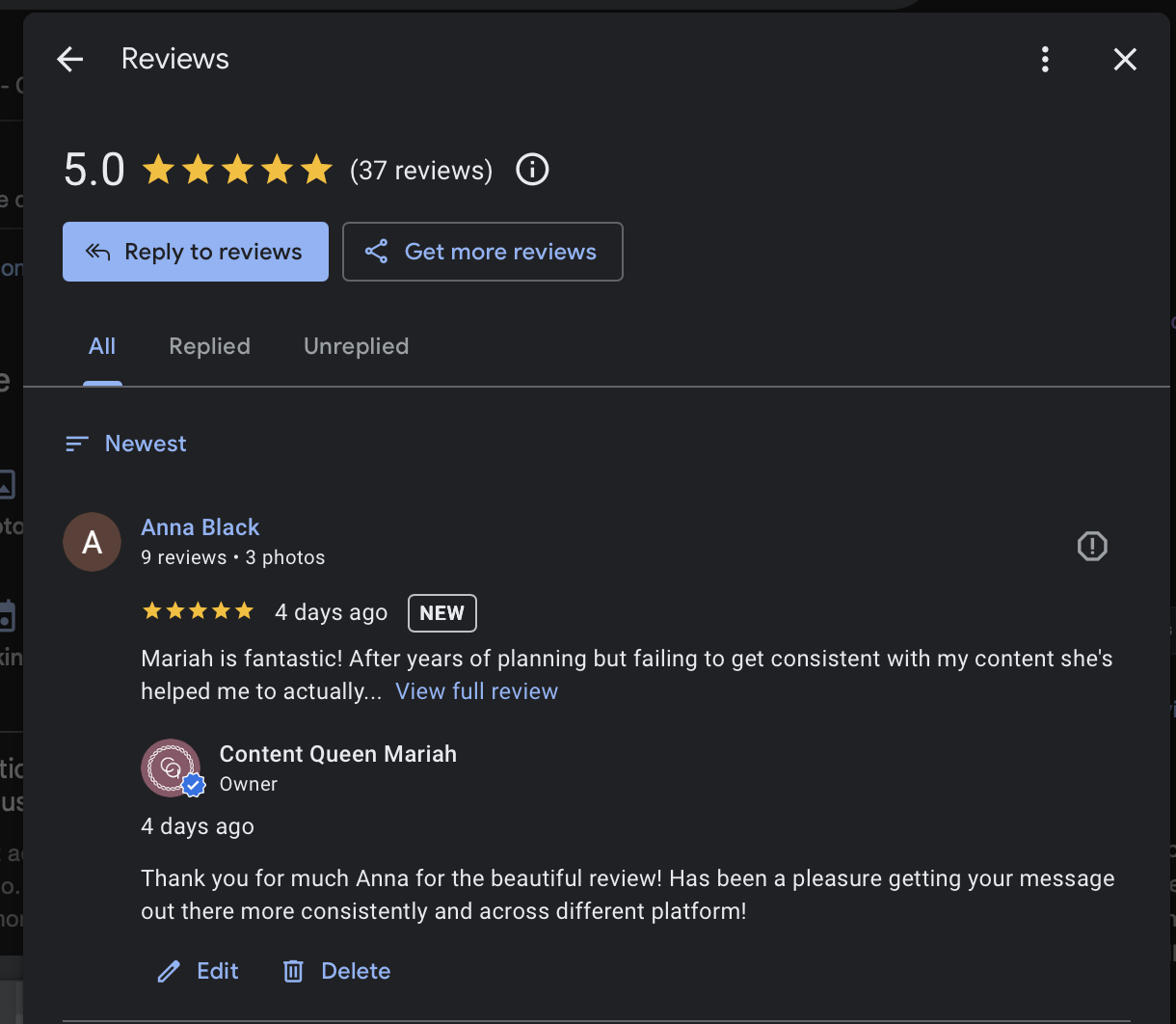
Hot tip: make sure you reply to ALL your reviews, even the ones that aren’t 5 stars.
What if you get a bad review?
It’s bound to happen eventually, especially as you grow. The key is to respond professionally, not defensively. Acknowledge the experience, apologise if necessary, and offer a resolution if possible.
A calm, clear response to a negative review can actually build more trust than avoiding it altogether.
Bonus Tip: Use Reviews as Content
Highlight your reviews as social proof. Share them in your Stories, repurpose them as quote graphics, or use them as hooks in your content.
How does Google My Business help with AI and ChatGPT?
AI tools like ChatGPT and search engines are now using public online data to pull answers and make recommendations. If you want to show up in AI results, you need a strong digital footprint—and that includes your GMB profile.
Include an FAQ section in your GMB profile, too. Think of it like your business résumé: if Google doesn’t know you exist, it won’t recommend you.
Don’t forget your hours, links and… yourself
Keep your:
Opening hours up to date (especially over holidays - if this applies)
Website and booking links live
Profile image updated - show your face, show your space/product or service
If customers are searching, give them zero friction between interest and action.
Have a personal brand? Claim your knowledge panel
A Google Knowledge Panel is the information box that appears on the right side of Google search results when someone searches for a known person, business or brand. It acts like a digital business card, showing your bio, social links, content, and credibility… all in one place.
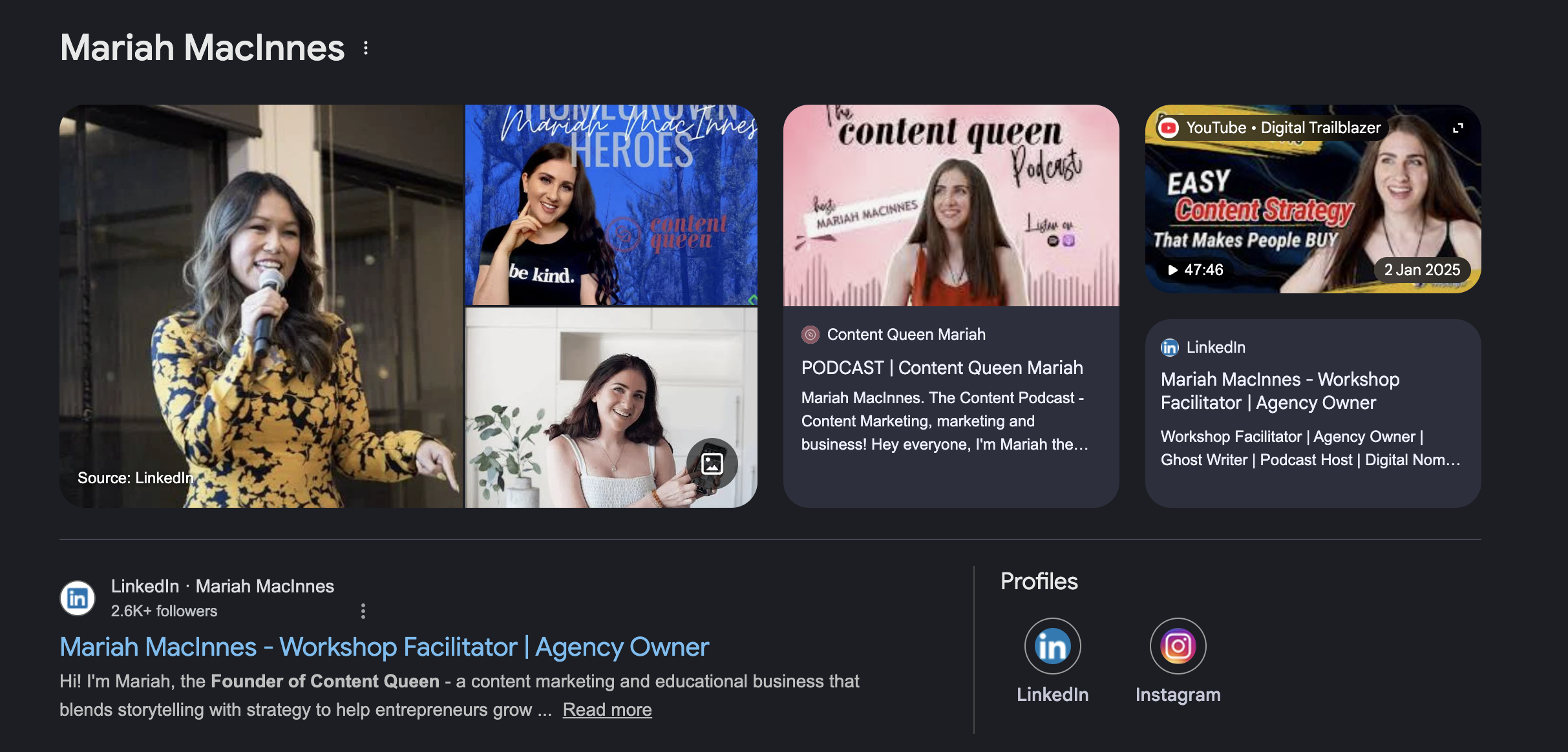
If you're building a personal brand, having a knowledge panel helps you:
Stand out in search results
Build trust with potential clients or followers
Strengthen your presence across AI tools like ChatGPT
How to claim your Google Knowledge Panel
Type your full name into the search bar
See all a list of the names and find your profile (if you have one)
If a panel appears, look for the three dots in the top right corner of the result.
Click “Claim this knowledge panel.”
Follow the verification steps (you may need to submit ID and proof of ownership of profiles).
Once verified, you’ll be able to manage and update your panel as your brand grows.
Note: You must already have a Knowledge Panel to claim it. If one doesn’t appear yet, focus on building your digital presence - publish consistent, credible content and ensure your name is connected across your website, social platforms, and online features.
An amazing marketer brought this to my attention on TikTok so see her video in full below to help you!
Want help getting set up or growing your visibility?
Join my free Ask Me Anything WhatsApp Group where I share tips on content strategy, visibility, and tools like Google My Business.
And if you want more support like this, grab my free Content Audio Guide to help you show up online with clarity and confidence.
Final thoughts
Google My Business is an underused powerhouse for small and online businesses. It’s free, easy to use, and boosts your chances of showing up where it matters…on Google.
Don’t just build your presence on Instagram or TikTok. Build it where people search too.
Resources
Want to improve your SEO? I have a range of articles for you
If you want to hear two marketers talk Google My Business and how best to you use - check out this podcast “309: A marketing channel you might be missing: Google My Business | Bethany Myers” (or watch below).